
Understand your sending health score
Your sending health score starts at 100 and loses points for each setup or reputation problem. Every problem comes with a button that opens the fix.
On this page
Your sending health score is one number out of 100 for each product. It starts at 100 and loses points for every problem Meisa finds with your provider, your sending domain or your bounce and complaint rates, and each problem has a button that takes you straight to the fix.
Where to find it
- Dashboard: a Sending health card appears when something needs fixing. When everything is fine you see a small Sending healthy check instead.
- Email setup: the same card sits at the top of the page.
- Sending health, all products: if you have more than one product, open the product switcher at the top of the sidebar and choose Sending health, all products to see every product on one page.
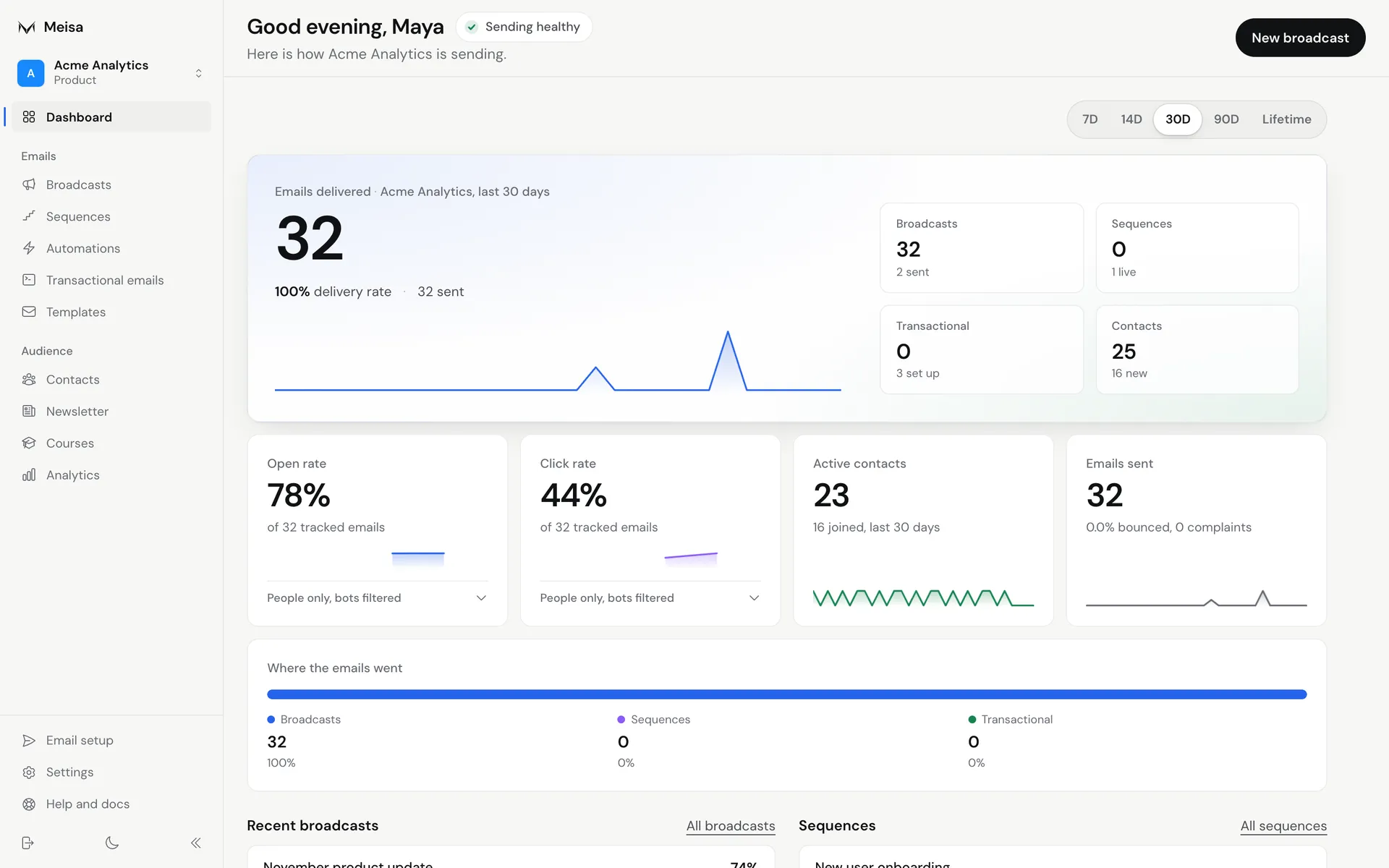 All three places read the same score, so they never disagree.
What the label means
The score comes with one of four labels:
- All clear: no problems found.
- Fix soon: something needs attention, but your email is still going out.
- Fix now: email is failing or your reputation is at risk. You also see this when the score drops below 60.
- Not set up: you have not connected a provider or added a sender yet, so there is nothing to score.
A thin bar under the score shows what is left in colour, with a striped segment for each problem and the points it cost.
What costs points
Only the things you actually send with are scored: the providers your senders use and the domains your sender addresses are on.
| Problem | Points | Label |
|---|---|---|
| The provider your sender uses is switched off | 40 | Fix now |
| Your sending domain failed its DNS check | 40 | Fix now |
| Bounce rate above 5% in the last 30 days | 40 | Fix now |
| Spam complaints at 0.3% or more in the last 30 days | 40 | Fix now |
| Your sending domain is still waiting for its DNS records | 25 | Fix soon |
| Your provider isn’t verified yet | 20 | Fix soon |
| Bounce rate between 2% and 5% | 20 | Fix soon |
| Spam complaints between 0.1% and 0.3% | 20 | Fix soon |
| Your sender’s domain isn’t added in Meisa | 15 | Fix soon |
Bounce rates only count once you have sent at least 50 emails in the last 30 days, and complaint rates once you have sent at least 200. Below that, a high bounce rate shows as a tip (“too few to judge”) instead of costing points.
Fix a problem
- Find the problem in the Sending health card. Each one is a short sentence with its points on the right.
- Click the button next to it. The button says what it does, for example Show DNS records, Add yourdomain.com, Turn on your provider, See bounced contacts or See who complained.
- Meisa opens the exact screen where you fix it. If the problem is in another product, Meisa switches to that product first.
- Make the change. The score updates on its own once the problem is gone.
Tips
Tips have no points. The most common one lists domains you added but never finished setting up and do not send from. They do not hurt your score. Click Review domains to finish or remove them.
Troubleshooting
- The score did not go up after I added DNS records. The domain only counts as fixed once your provider confirms it. See My domain is still pending verification.
- My bounce rate is high. Read Handle bounces and spam complaints.
- No bounce or complaint numbers at all. Make sure delivery tracking is set up for your provider so bounces and complaints reach Meisa. See Set up open and click tracking.
Related articles
Did this answer your question?
Thanks for letting us know.Thanks, we will improve this article. Want a hand right now?
Still need help?
Chat with us and get an answer in a few minutes.