
How the frequency cap protects your contacts
On this page
The frequency cap limits how many marketing-style emails one person can get from a product in an hour and in a day, so a busy day of sequences, broadcasts and lifecycle emails never floods anyone’s inbox. New products start at 2 per hour and 4 per day, and you can change both in Settings, Product details, Sending limits.
What counts toward the cap
The cap covers marketing-style email:
- Broadcasts.
- Sequence emails.
- Transactional emails (triggers) that respect unsubscribes.
It never limits transactional emails set to Send even if the person unsubscribed, such as login codes, password resets and receipts. Those always go out, and they do not use up a slot. Emails sent one to one through the direct send API are not limited either.
Meisa counts emails over a rolling window: the last 60 minutes for the hourly cap and the last 24 hours for the daily cap.
What happens when someone is at the cap
- Sequence email: it waits. Meisa moves the step to the moment the next slot opens, then sends it. Nothing is lost.
- Broadcast: that person is skipped for this broadcast. They show in the broadcast report under Didn’t arrive, Couldn’t be sent.
- Transactional email: it is skipped. Your app gets HTTP 200 with
"status": "skipped"and"reason": "frequency_capped", so it should not retry.
Change the cap
Only owners and admins can change it.
- Click Settings in the sidebar.
- Open Product details.
- Scroll to Sending limits.
- In At most this many emails per person, per hour, enter a whole number from 1 to 50.
- In At most this many emails per person, per day, enter a whole number from 1 to 200.
- Click Save.
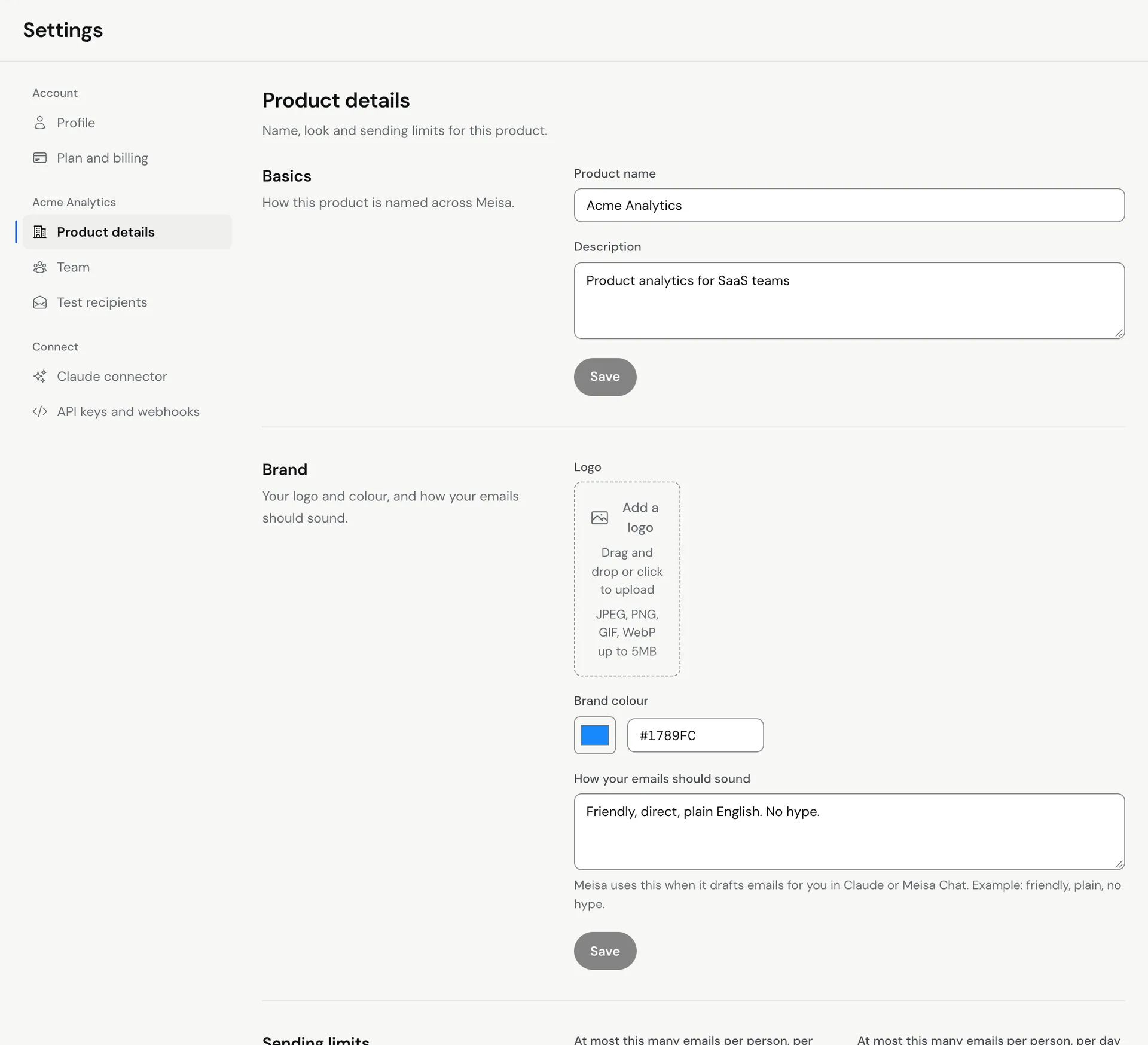 To turn a limit off, leave its box empty. It then shows No limit. Each product has its own cap, so set it for every product you send from.
Pick a sensible limit
- Most SaaS products do well with the defaults. A new signup can still get a welcome email, an onboarding step and a product email on the same day.
- If you run several sequences at once, a lower daily cap keeps people from getting three emails in an hour when the sequences overlap.
- Raise the hourly cap only if people expect quick follow-ups, for example a short event reminder series.
Other limits that still apply
The cap is one of several protections. Even with the cap off:
- No person gets more than 10 emails a day from one product. This catches runaway automations.
- The same email does not go to the same person twice within 60 minutes.
- After a temporary bounce, marketing-style email to that person pauses for 24 hours.
See Why was my email not sent? for every reason Meisa skips an email.
Troubleshooting
- A sequence email went out later than its delay. The person was at the cap, so the step waited for the next free slot. This is expected.
- A login code was not sent. The frequency cap never blocks these. Check that the email has Send even if the person unsubscribed ticked, then look at the other reasons in Why was my email not sent?
- I can’t edit the boxes. You need to be an owner or admin of the product.
Related articles
Did this answer your question?
Thanks for letting us know.Thanks, we will improve this article. Want a hand right now?
Still need help?
Chat with us and get an answer in a few minutes.