
Enroll contacts in a sequence
Turn the sequence on, then add people with an automation, by hand from Contacts or a segment, or from your app through the API.
On this page
People join a sequence in three ways: an automation adds them when something happens, you add contacts or a whole segment by hand, or your app adds them through the API. The sequence must be on first.
Each sequence shows its join rules in the People join when card at the top of the builder.
Option 1: Let an automation add people (recommended)
Most teams never enroll by hand. They let an automation do it, for example “when a contact is created, start Trial onboarding”.
- Open the sequence and, in the People join when card, click Create an automation that adds people.
- Pick what starts it under When (for example Contact is created or Tag is added).
- The Then action is already set to Start a sequence with this sequence.
- Click Turn on.
See Create an automation rule for all the options.
Option 2: Add contacts by hand
- Go to Contacts.
- To add one person, open the row’s menu and click Add to sequence. To add several, tick them and choose Add to sequence from the bulk actions.
- Under Sequence, choose the sequence.
- Click Add to sequence.
People already in the sequence are skipped.
Option 3: Add a whole segment
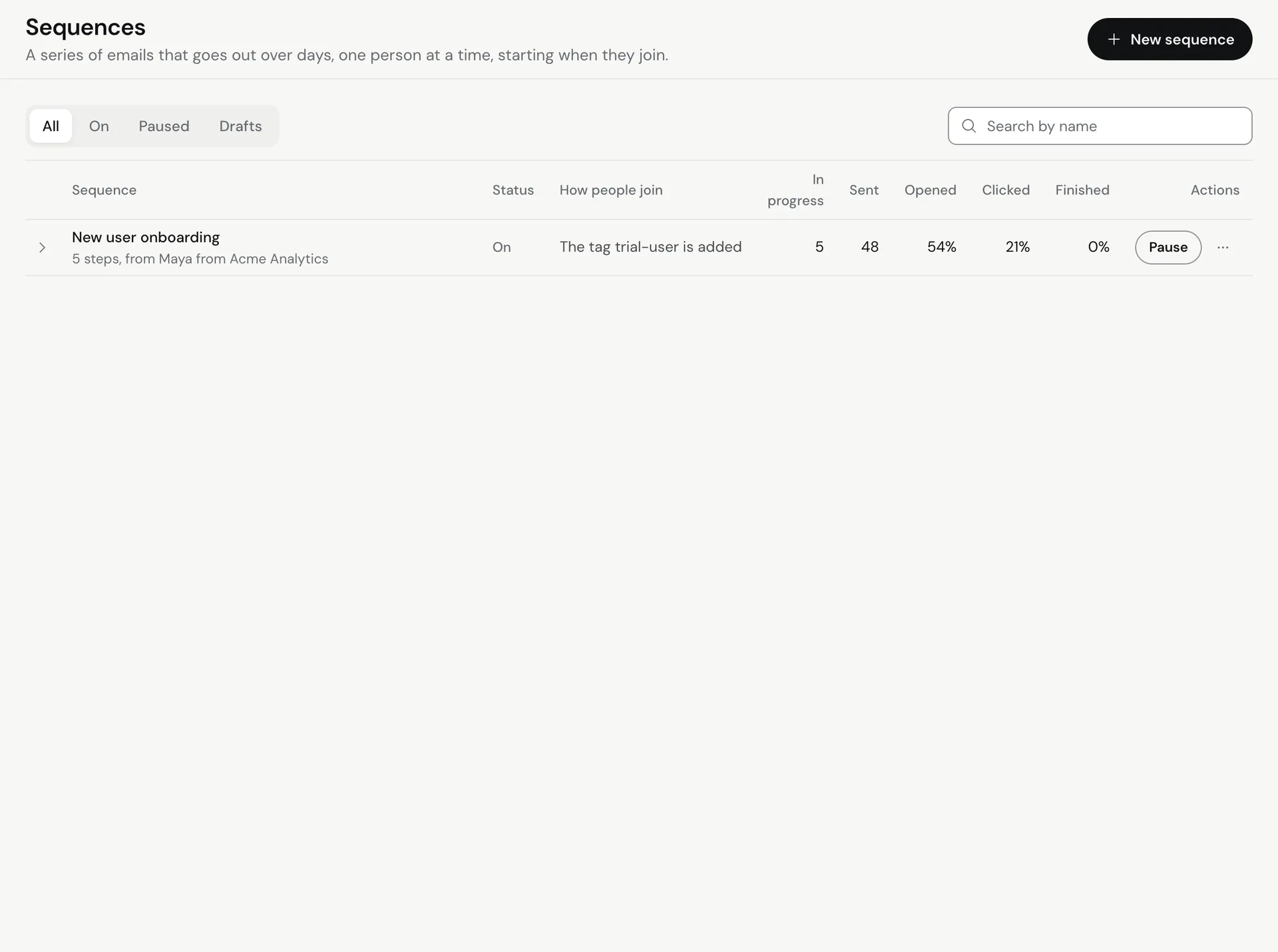
- Go to Sequences.
- Open the menu for the sequence and click Add a segment. If it says Add a segment (turn it on first), click Turn on first.
- Under Segment, pick the segment.
- Click Add (the button shows how many people will be added).
People already in this sequence are skipped. Everyone else starts at step 1 now. Meisa tells you how many were added and how many were skipped.
Option 4: Enroll from your app (API)
Use an API key with the Add people to sequences permission (sequences:enroll). See Create and manage API keys.
- Find the sequence slug. Slugs are not the same as the name (Meisa adds a short random ending), so list them:
curl "https://api.meisa.io/api/v1/sequences/api/list/" \
  -H "X-API-Key: meisa_live_your_key"
- Enroll one contact. The contact is created if it doesn’t exist:
curl -X POST "https://api.meisa.io/api/v1/sequences/enroll/" \
  -H "X-API-Key: meisa_live_your_key" \
  -H "Content-Type: application/json" \
  -d '{
    "email": "[email protected]",
    "sequence_slug": "onboarding-a1b2c",
    "metadata": { "signup_source": "website" }
  }'
Optional fields: trigger_source (a label, defaults to api) and override_unsubscribe (enroll even if the person is normally suppressed; use with care).
- To enroll up to 500 addresses at once, send
sequence_slugand anemailsarray toPOST /sequences/api/bulk-enroll/.
Listing sequences needs the List sequences permission (sequences:read).
What happens when someone joins
- If the first step is an email, it goes out right away. If it is a wait, the clock starts.
- A person who is already active or paused in the sequence is not added twice.
- Unsubscribed, bounced and complained addresses are skipped unless you override it through the API.
Remove someone from a sequence
Open the contact’s profile to see their sequences. To remove a person, add a Remove from another sequence action in a sequence, use the Stop a sequence action in an automation, or ask Claude through the Claude connector, for example “remove [email protected] from the Trial onboarding sequence”.
Troubleshooting
- The API returns an error for the sequence: the sequence must be on, and you must use its slug from the list endpoint, not its name.
- Some people were skipped: they were already in the sequence, or they are unsubscribed or suppressed.
- Nobody got the first email: check the sequence has a sender and is on. See Why was my email not sent?
Related articles
Did this answer your question?
Thanks for letting us know.Thanks, we will improve this article. Want a hand right now?
Still need help?
Chat with us and get an answer in a few minutes.